Check SIM Ownership Online in Pakistan (2026 PTA Guide)
I’ve been working in the Pakistani tech space for over a decade, and if there’s one thing I’ve learned, it’s that a SIM card in Pakistan is more than just a piece of plastic it’s a legal identity. I still remember a friend of mine, a seasoned freelancer, who received a call from a government agency because a SIM registered in his name (but used by someone else) was linked to a suspicious financial transaction. He hadn’t checked his registered numbers in years.
That’s why I’m writing this. With the PTA’s 2026 regulations becoming even stricter, knowing how to Check SIM Ownership Online in Pakistan is no longer a “good-to-know” trick; it’s a survival skill for your digital and legal safety.
Check SIM Ownership Online in Pakistan
If you are looking for the “how-to” right away, here is the golden rule: There are two main ways to do this. You can either use the official web portal or the classic SMS service.
1. The SMS Method (Fastest)
This is my go-to. It works even if you don’t have a data plan or a smartphone.
- Step 1: Open your messaging app.
- Step 2: Type your 13-digit CNIC number (without any dashes or spaces).
- Step 3: Send it to 668.
- Step 4: You will receive a reply showing the count of SIMs registered against your CNIC for each operator (Jazz, Telenor, Zong, Ufone, and SCOM).
2. The Web Portal Method (Visual)
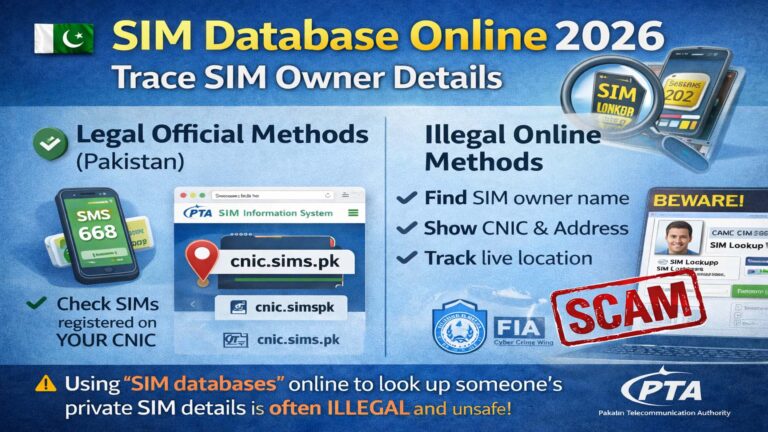
If you prefer a visual breakdown, the PTA SIM Information System is the place to be.
- Step 1: Visit cnic.sims.pk.
- Step 2: Enter your CNIC number.
- Step 3: Verify the CAPTCHA and hit “Submit.”
- Step 4: A table will appear showing exactly how many voice and data SIMs are under your name.
Basic Information
| Feature | Details |
| Regulating Authority | Pakistan Telecommunication Authority (PTA) |
| Official SMS Code | 668 (For total count) |
| Owner Name Code | 667 (Send ‘MNP’ to this from the SIM itself) |
| Official Website | cnic.sims.pk |
| Voice SIM Limit | Maximum 5 per CNIC |
| Data SIM Limit | Maximum 3 per CNIC |
| Required Document | Original CNIC (Valid & Non-Expired) |
| Verification Method | Biometric (BVS) via NADRA |
What Is SIM Ownership?
In simple terms, SIM ownership is the legal link between a specific mobile number and a National Identity Card (CNIC). In the early 2000s, you could buy a SIM at a grocery store like a loaf of bread no questions asked.
Today, things have changed. Since the implementation of the Biometric Verification System (BVS) in 2014, every SIM must be “paired” with a thumbprint verified by NADRA. Ownership means that for every call made, every SMS sent, and every kilobyte of data used, you are the one legally responsible if that number is tied to your ID.
Why SIM Ownership Awareness Is Important
I cannot stress this enough: Ignorance is not a defense in law. 1. Security & Legal Protection
If someone uses a SIM registered in your name for illegal activities harassment, fraud, or worse the authorities will knock on your door first. By regularly checking your ownership status, you ensure no “ghost SIMs” are floating around under your name.
Financial Safety
Most of us use mobile banking (EasyPaisa, JazzCash, or bank apps). These are tied to your SIM. If a fraudster manages to port or duplicate a SIM in your name because your records are messy, your bank account is at risk.
Avoiding Blockage
The PTA has started a “Phase 2” crackdown in 2026. If your SIM is registered against an expired CNIC or if you have exceeded the 5-SIM limit, your active numbers could be blocked without warning.
Also Read: Check SIM Details by Number (Free 2026): SIM Ownership in Pakistan
How SIM Ownership Works in Pakistan
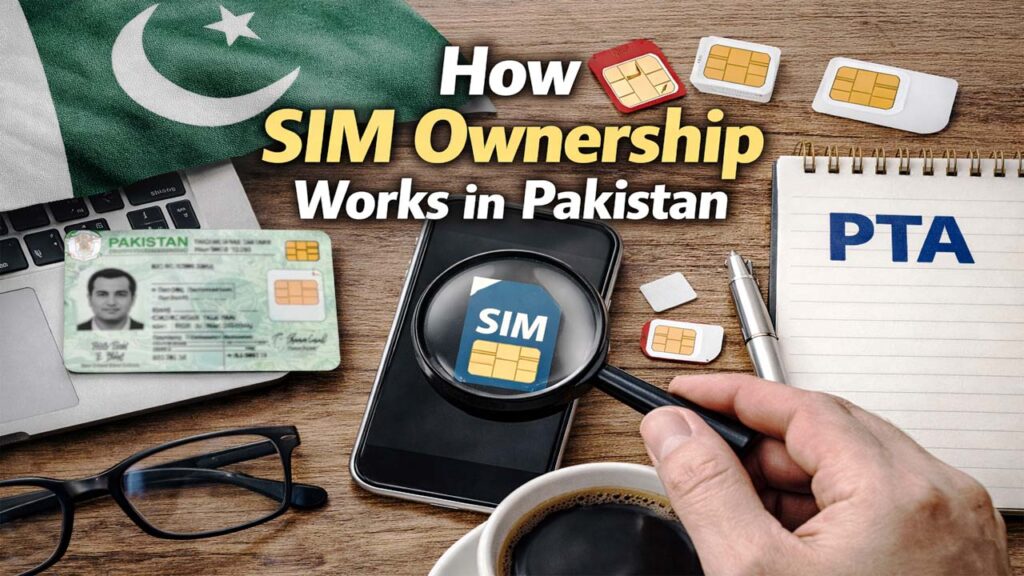
The system is a three way handshake between the Cellular Mobile Operator (CMO), the PTA, and NADRA.
When you go to a franchise to get a SIM:
- Operator requests your CNIC.
- NADRA verifies your thumbprint via a BVS device.
- PTA records that MSISDN (mobile number) against your identity.
This centralized system allows the 668 service to pull data from all five operators simultaneously to give you a consolidated report.
Official SIM Registration System
The SIM Information System (SIS) was designed to bring transparency. It’s a real-time database. A common mistake I see people make is checking their status right after buying a new SIM. Sometimes, it takes 24 to 48 hours for the central PTA database to reflect the change made at the operator level.
The “667” Trick
While 668 tells you how many SIMs you have, it doesn’t tell you the numbers. To find out the owner’s name and CNIC of the SIM currently in your phone, send “MNP” to 667. This is incredibly useful if you find an old SIM in a drawer and can’t remember if it’s yours or your sibling’s.
Role of Educational Platforms
In a country where digital literacy varies greatly, educational blogs and tech platforms play a massive role. Many users don’t know the difference between a “Voice SIM” and a “Data SIM.”
Educational content helps break down complex PTA circulars into “human” language. For example, explaining that the SCOM SIMs used in Azad Kashmir and Gilgit-Baltistan now count toward your total PTA limit something many travelers learn the hard way when their city SIM stops working.
Required Documents (General Information)
To check or update your ownership, you don’t need much, but what you have must be perfect.
- Original CNIC: No copies, no photos on a phone. The physical card is required for the BVS machine.
- Active SIM: To receive the SMS codes.
- Foreigners: If you are a foreign national, you need your Passport with a valid visa. The registration process for foreigners is handled differently, often requiring a visit to a major franchise rather than a local retailer.
Pro Tip: If your CNIC is expired, the BVS system will reject you. Renew your CNIC first via the PakID app before trying to change SIM ownership.
Benefits of SIM Ownership Awareness
- Peace of Mind: Knowing exactly what is out there in your name.
- Quota Management: Since you can only have 5 voice SIMs, you can “disown” an old, unused Telenor SIM to make room for a new Zong 5G SIM (as Zong has been testing 5G extensively in 2026).
- Family Safety: I regularly check the CNICs of my elderly parents. They often forget they gave a SIM to a distant relative years ago.
How Sim Owners Helps Users
There are many third-party apps and websites that claim to provide “SIM Owner Details.” While some are helpful interfaces for the official PTA portal, be careful.
- Official Apps: Use the “PTA CMS” app for complaints.
- Third-party Risks: Never enter your CNIC on a non-HTTPS or suspicious-looking website. They might be harvesting your data.
- Verification: Stick to the official cnic.sims.pk for 100% accuracy.
Important Disclaimer (PTA-Compliant)
This article is for educational purposes only. The information provided is based on current PTA (Pakistan Telecommunication Authority) regulations as of 2026. Users are advised to visit official PTA outlets or franchises for any legal disputes, SIM disowning, or biometric issues. We do not encourage the use of unauthorized “SIM tracker” tools that violate privacy laws.
Frequently Asked Questions (FAQs)
Can I check SIM owner details by phone number?
Legally, you can only check your own details. Sending “MNP” to 667 from a SIM will tell you who owns that specific SIM. You cannot check someone else’s number without their consent or a legal warrant.
What should I do if I see an unknown SIM against my CNIC?
Visit the nearest franchise of that specific operator (e.g., Jazz, Zong) immediately. Take your original CNIC and request a “SIM Disowning.” They will take your thumbprint and remove that number from your record.
Is there a fee for checking SIM ownership?
The web portal is free. The 668 SMS service usually costs around Rs. 2 + tax, depending on your network provider.
Can I have 10 SIMs if I use different operators?
No. The limit is 5 Voice SIMs in total across all networks. You can also have 3 Data SIMs (for dongles/MBB devices).